


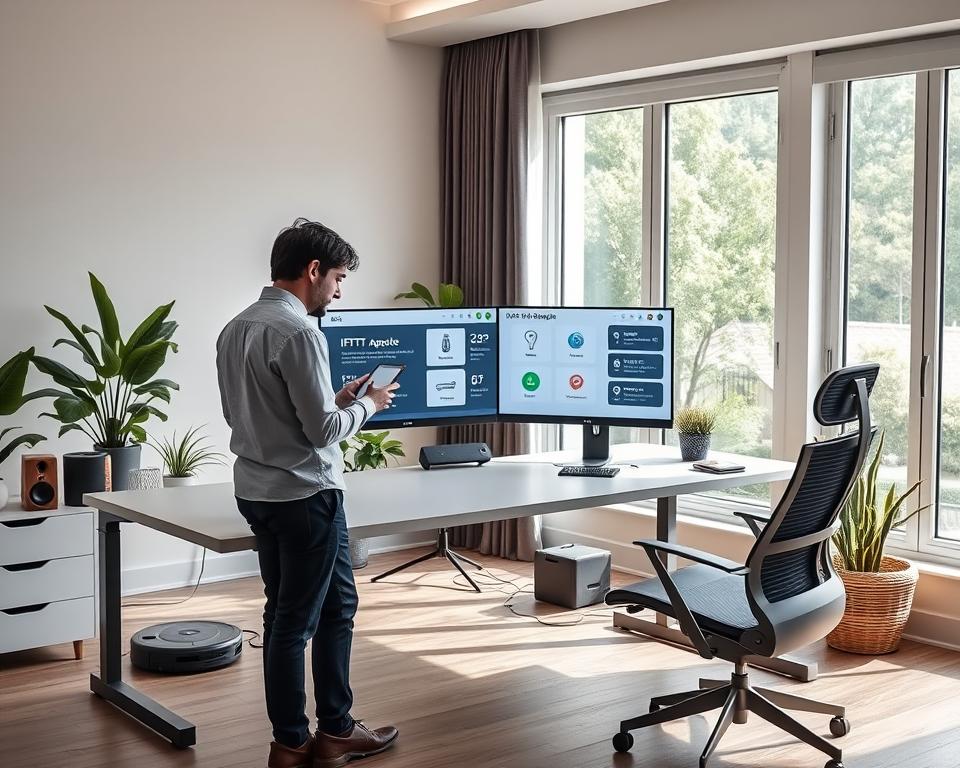
Did you know automating your workspace can boost productivity by up to 30%? I’ve seen how a well-organized smart home office can change the game. I’m excited to share how IFTTT applets can transform your work-from-home setup.
By linking different devices and services, automation can make your daily tasks easier. It cuts down on distractions and makes your work area more efficient. With IFTTT applets, you can connect your favorite tools and devices. This makes managing your work easier.
Key Takeaways
- Discover how IFTTT applets can simplify your work-from-home setup.
- Learn the benefits of automating your smart home office.
- Explore ways to boost productivity with integrated devices and services.
- Understand how to create a more efficient work environment.
- Get started with streamlining your smart home office today.
Understanding IFTTT and Its Home Office Automation Benefits
Using IFTTT can make your home office more efficient and organized. IFTTT stands for “If This Then That.” It’s a free service that lets you create custom recipes or applets. These are based on specific triggers and actions.
What Is IFTTT and How Does It Work?
IFTTT connects different web services and devices. This lets them work together smoothly. It’s based on a trigger-action relationship, where an event or condition triggers an action.
The Trigger-Action Relationship Explained
The trigger-action relationship is key to IFTTT. For example, you can make an applet that turns on your office lights when you arrive. “Arriving at a specific location” is the trigger, and “turning on the office lights” is the action.
The Benefits of Using IFTTT in a Smart Home Office
Using IFTTT in a smart home office has many benefits. It can make you more productive and save time. By automating routine tasks, you can focus on important work.
Time Savings and Productivity Gains
- Automate repetitive tasks to save time.
- Streamline your workflow by integrating various devices and services.
- Enhance your focus by minimizing manual interventions.
By using IFTTT applets, I can save a lot of time on mundane tasks. This boosts my productivity a lot.
Setting Up Your IFTTT Account for Smart Home Office Integration
Setting up your IFTTT account is the first step to automating your home office. It’s easy and can be done in a few steps.
Creating and Configuring Your IFTTT Account
To begin, create an IFTTT account. Go to the IFTTT website or download the IFTTT app. Sign up by entering your email, creating a password, or using Google or Facebook.
After signing up, you’ll learn how IFTTT works. This helps you understand its basics.
Connecting Your Smart Home Devices to IFTTT
Next, connect your smart home devices to IFTTT. IFTTT works with many devices from different brands.
Compatible Device Ecosystems
- Smart Lighting: Philips Hue, LIFX
- Smart Thermostats: Nest, Ecobee
- Smart Speakers: Amazon Alexa, Google Assistant
To connect a device, go to the “Devices” section in your IFTTT account. Search for your device brand and follow the prompts.
By following these steps, you’ll be on your way to a more automated and efficient smart home office.
Essential Smart Home Devices for an IFTTT-Powered Office
To make your smart home office work better, pick the right devices that work well with IFTTT. The right devices can make your work space more productive, comfortable, and energy-saving.
Smart Lighting Solutions
Smart lighting can really change how your home office feels and how well you work. Popular choices include Philips Hue, LIFX, and Belkin Wemo Smart Lighting.
Philips Hue, LIFX, and Other Compatible Options
These smart lighting systems have cool features like changing color and setting scenes. You can use IFTTT to automate these settings. For example, you can set up an applet to change the lights based on the time or your work hours.
Smart Thermostats and Climate Control
Smart thermostats are key for a comfy and energy-saving home office. Top brands are Nest and Ecobee.
| Brand | Model | Key Features |
|---|---|---|
| Nest | Learning Thermostat | Auto-scheduling, temperature control |
| Ecobee | SmartThermostat | Remote sensors, smart alerts |
Nest, Ecobee, and Other Integration Options
These devices work with IFTTT to adjust the temperature based on your schedule or preferences. This makes your office more comfortable and saves energy.
“The future of smart homes is not just about being connected; it’s about being intelligent and anticipating your needs.”
Smart Speakers and Voice Assistants
Smart speakers with voice assistants make your home office better by letting you control devices with your voice and get info easily.
Amazon Echo, Google Nest, and Apple HomePod Integration
These devices can be linked with IFTTT to control other smart devices, play music, or get news updates. This makes your workday more efficient.
Smart Plugs and Power Management
Smart plugs are a simple way to make your old devices smart. They let you manage power automatically.
TP-Link Kasa, Wemo, and Other Options
These smart plugs can be controlled with IFTTT. This lets you turn devices on or off based on schedules or triggers. It helps save energy.
IFTTT Applets for Smart Home Office Productivity
Boosting productivity in a smart home office is now easier than ever with IFTTT applets. These tools automate routine tasks and integrate smart devices. This makes your work environment more efficient and focused.
Automating Your Daily Work Routine
IFTTT applets help automate your daily work routine. For example, you can set up your office lighting and temperature to be just right when you start work.
Calendar-Based Lighting and Temperature Control
With IFTTT, link your calendar to your smart lighting and thermostat. When your workday begins, your lights turn on, and the temperature adjusts to your liking.

Time Management Applets
Effective time management is key to productivity. IFTTT applets can help you stay on track with the Pomodoro Technique.
Pomodoro Technique with Smart Lighting
Create an applet that uses smart lighting for work and break periods. For instance, your lights can flash to signal when it’s time to take a break or return to work.
Focus-Enhancing Automation
Minimizing distractions is vital for focus. IFTTT lets you automate a “Do Not Disturb” mode across devices.
Do Not Disturb Mode Across Multiple Devices
Make an applet to activate “Do Not Disturb” on your phone, computer, and other devices during work hours. This reduces distractions and boosts your focus.
| Applet Function | Devices Involved | Productivity Benefit |
|---|---|---|
| Calendar-Based Control | Smart Lights, Thermostat, Calendar | Automated comfort settings |
| Pomodoro Technique | Smart Lights | Enhanced time management |
| Do Not Disturb Mode | Phone, Computer, Other Devices | Reduced distractions |
By using these IFTTT applets, you can greatly improve your productivity in a smart home office. They automate your routine, enhance time management, and reduce distractions. IFTTT gives you the tools to create a more efficient work environment.
Creating Custom Morning Office Routines with IFTTT
Imagine walking into a perfectly lit and temperature-controlled office, ready to tackle the day. This is possible with IFTTT’s custom morning routines. By automating your office, you can start your day smoothly and productively.
Automating Office Preparation Before You Arrive
IFTTT lets you automate your office before you arrive. This includes turning on lights, adjusting the thermostat, and even brewing coffee.
Location-Based Triggers for Office Warmup
With IFTTT, you can set up location-based triggers. These start preparing your office as you approach. For example, your smart lights and thermostat can turn on when you’re near.
| Device | Action | Trigger |
|---|---|---|
| Smart Lights | Turn On | Location-Based |
| Smart Thermostat | Adjust Temperature | Location-Based |
| Coffee Maker | Start Brewing | Time-Based |
Syncing Calendar Events with Office Environment
IFTTT lets you sync your calendar with your office. This ensures you’re ready for meetings and appointments.
Meeting Preparation Automations
You can make applets that adjust your office for meetings. For example, IFTTT can light up the conference room and set the thermostat for a meeting.
Morning Productivity Boosters
IFTTT boosts your morning with automations like weather-based lighting. This makes your office more comfortable and productive.
Weather-Based Lighting and Ambiance
IFTTT can adjust your office lighting based on the weather. On cloudy days, it can brighten the lights to make up for less natural light.
Using IFTTT for custom morning routines can greatly improve your productivity. It makes your work environment more comfortable and efficient.
Integrating IFTTT with Productivity Tools and Services
Exploring ways to optimize my smart home office, I’ve found integrating IFTTT with productivity tools to be a game-changer. It automates tasks, streamlines my workflow, and boosts productivity.
Connecting with Task Management Systems
IFTTT’s ability to connect with popular task management systems is a key benefit. It allows for seamless automation between different apps and services.
Todoist, Trello, and Asana Integration
I can integrate IFTTT with Todoist to create tasks automatically based on specific triggers, like an email with a certain subject line. Connecting IFTTT with Trello automates card creation and movement between boards. Asana integration automates task assignment and tracking.
As noted in a LinkedIn article on automating your life with IFTTT, such integrations simplify workflow management.
Email and Communication Tool Integration
IFTTT also integrates with various email and communication tools, making communication management more efficient.
Gmail, Slack, and Microsoft Teams Automation
With IFTTT, I can automate tasks like saving Gmail attachments to cloud storage or creating calendar events from email content. Slack and Microsoft Teams integrations automate notifications and updates, keeping my team informed without manual effort.
Note-Taking and Document Management
IFTTT also integrates with popular note-taking and document management services. This allows for automated workflows that boost productivity.
Evernote, OneNote, and Google Drive Workflows
For example, I can use IFTTT to automatically save emails or web pages to Evernote or OneNote, creating a centralized information repository. Google Drive integration automates file saving and organization, keeping my documents up-to-date and accessible.
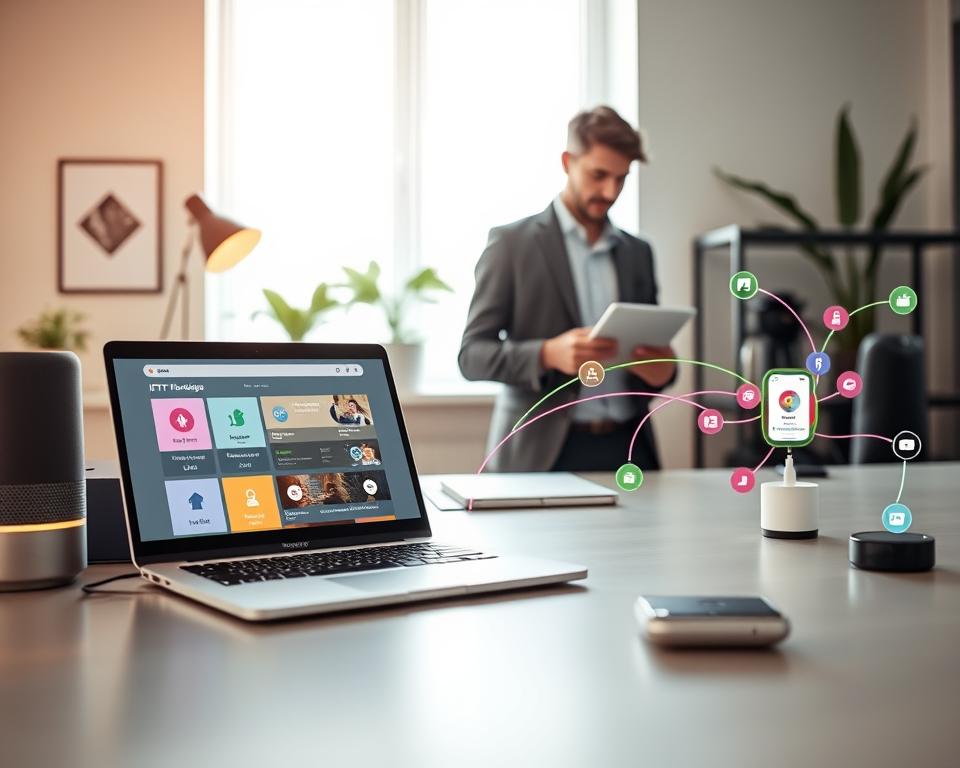
By leveraging these integrations, I’ve created an efficient and automated workflow. It simplifies my daily tasks and boosts productivity.
Step-by-Step Guide to Creating Custom IFTTT Applets
Designing your own IFTTT applets can revolutionize your workflow. It lets you customize your smart home office to fit your needs. This boosts your productivity and efficiency.
Identifying Automation Opportunities in Your Workflow
To create effective IFTTT applets, first find areas in your workflow that can be automated. Analyze your daily tasks and routines. Look for tasks you do over and over again that can be set off by certain events.
For example, you might want your office lights to turn on when you start work. Or adjust the thermostat when you’re in a meeting.
Designing Effective Trigger-Action Pairs
The heart of an IFTTT applet is the trigger-action pair. The trigger is what starts the action. For instance, “if it’s 8 AM” could be a trigger.
The action is what happens next, like “turn on the office lights.” Think about what triggers and actions make sense for your workflow. You can use smart devices, services, and apps as triggers and actions.
Testing and Refining Your Custom Applets
After making your IFTTT applets, test them to make sure they work right. Start by manually triggering the applet and see what happens. If it doesn’t work as you hoped, tweak the trigger-action pair or check your devices and services.
This back-and-forth process helps you get your applets running smoothly.
Troubleshooting Common Creation Issues
If you run into problems while making or testing your applets, don’t stress. Most issues have easy fixes. Make sure your devices are linked to IFTTT and that your trigger and action services match.
If an applet isn’t working, check that the trigger event is set up right. Also, make sure there aren’t any other applets causing conflicts.
Optimizing Your Work Environment with Environmental Control Applets
Creating the perfect workspace is more than just picking furniture. It’s about using technology like IFTTT applets for environmental control. These tools can automate your work environment, boosting your productivity and comfort.
Temperature and Lighting Automation Based on Time of Day
Automating temperature and lighting by the time of day can make your workspace ideal. For example, IFTTT can adjust your smart thermostat to the perfect temperature just before you start work.
Circadian Rhythm Lighting for Better Focus
Circadian rhythm lighting changes the color of your lights to match daylight. This can help you focus better and reduce eye strain. With IFTTT, you can set your smart lights to change color throughout the day.
Air Quality Monitoring and Ventilation Control
Good air quality is key for a healthy workspace. IFTTT can monitor air quality with smart sensors. It can then turn on ventilation systems or air purifiers to keep the air clean.
Automated Air Purifiers and Window Control
By linking air quality sensors with IFTTT, you can set your air purifiers to turn on when needed. You can also control smart windows to open or close based on outdoor air quality.
Noise Level Management Through Smart Devices
Noise can distract you in a home office. IFTTT can automate smart speakers or sound machines. This helps create a better work environment.
Background Music and White Noise Automation
Use IFTTT to automate background music or white noise. This can be based on your work schedule or specific triggers. It helps you stay focused.
Security and Privacy Considerations for Your Smart Home Office
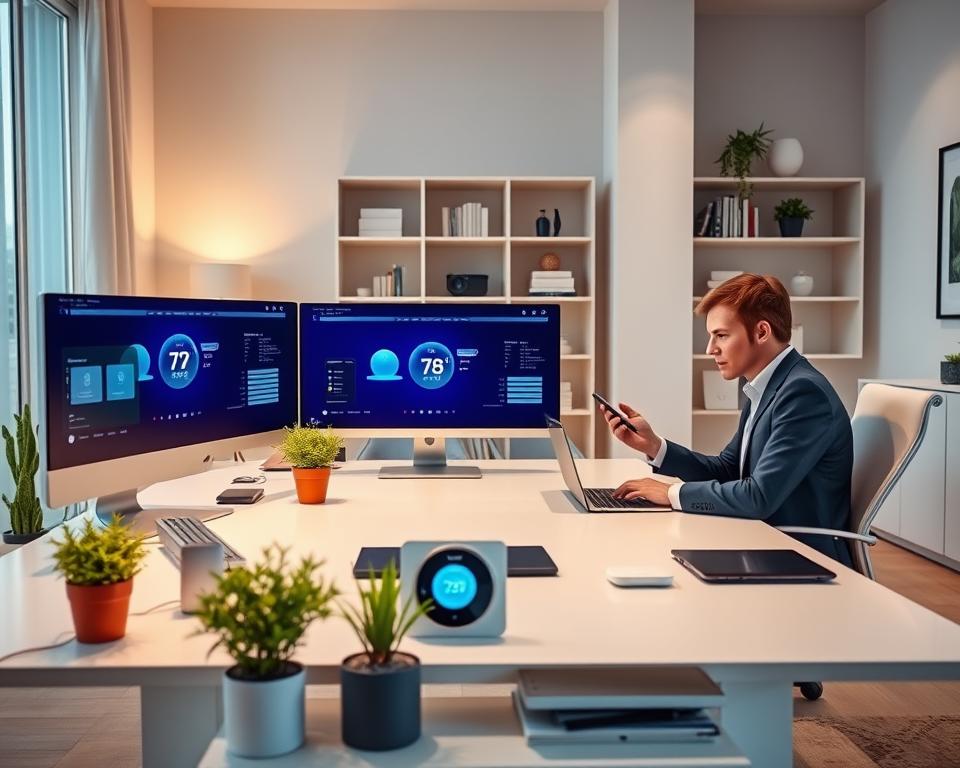
Smart home offices are becoming more common. It’s important to keep them secure and private. As I add more devices, I must think about the risks and how to avoid them.
Setting Up Security Cameras and Motion Sensors
Setting up security cameras and motion sensors is a key step. They let me watch my office in real time and alert me to any issues.
Presence-Based Security Protocols
Presence-based security means my system knows when I’m home or away. This lets me adjust my security settings, like turning off cameras when I’m there.
Creating Automated Security Routines
Automating security routines makes my office safer. I use IFTTT applets to set up tasks like turning on lights or cameras at certain times. This makes it seem like someone is always there.
Work Hours vs. Off Hours Security
Having different security settings for work and off hours is helpful. During work hours, I might turn off some features to avoid too many alerts.
Privacy Best Practices When Using IFTTT
It’s important to follow privacy rules when using IFTTT. I need to be careful about what information I share and how IFTTT uses my data.
Data Sharing and Third-Party Access Management
Managing who can see my data is key. I should check the permissions I give to IFTTT and other services. For more info, I can look at this academic paper on data privacy and security.
Here’s a table showing the importance of security features:
| Feature | Description | Benefit |
|---|---|---|
| Security Cameras | Real-time video monitoring | Deterrent to intruders, evidence in case of a breach |
| Motion Sensors | Detect movement within a specified area | Alerts for possible security breaches |
| Automated Lighting | Lights turn on/off based on presence or schedule | Energy efficiency, enhanced security |
Conclusion: Building Your Perfect Smart Home Office Ecosystem
Thinking about a smart home office ecosystem, IFTTT stands out as a key tool for automation. It helps you connect different smart devices and services. This makes your work flow better, boosts productivity, and makes your workspace more comfortable.
To build the ideal smart home office, find areas where automation can really help. It could be automating your daily tasks, improving your workspace, or boosting security. IFTTT lets you create custom solutions that fit your needs perfectly.
Using IFTTT, you can make your work flow smooth and efficient. This lets you focus on important tasks. Try out different applets and integrations with IFTTT to find the best fit for your smart home office.
With IFTTT, the possibilities for automation are endless, and the benefits are clear. By using this technology, you can make your home office both productive and enjoyable.